EzGrader™ is a powerful new tool available to stamp collectors which allows you to easily determine the centering of your stamps (ie Grades such as F, VF , XF) & print out an eGrade™ certificate of your stamps. See for yourself . Invaluable tool for any stamp collector. Try the Demo BEFORE you buy! Stamp Grading Software
-
- EzGrader Main Screen
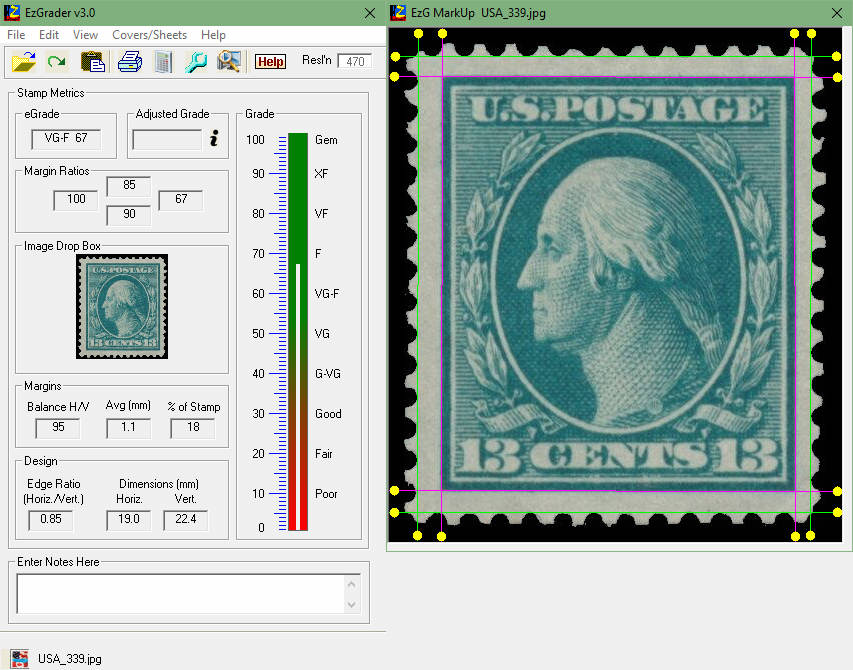
-
- EzGrader Certificate
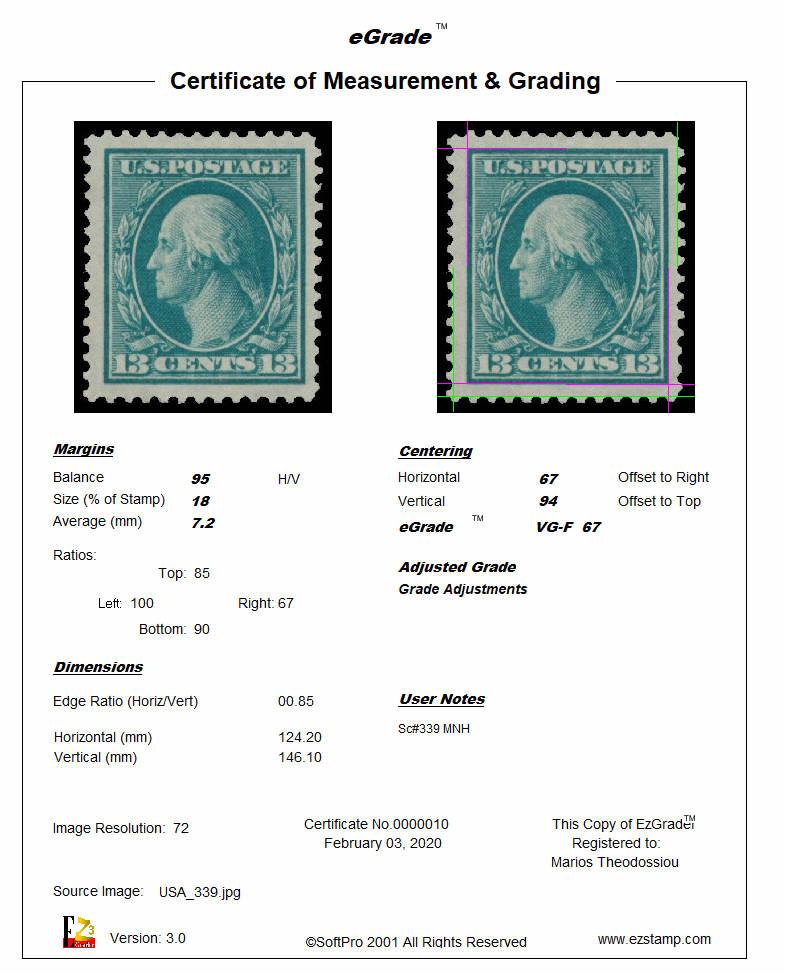
-
- EzGrader Main Screen6
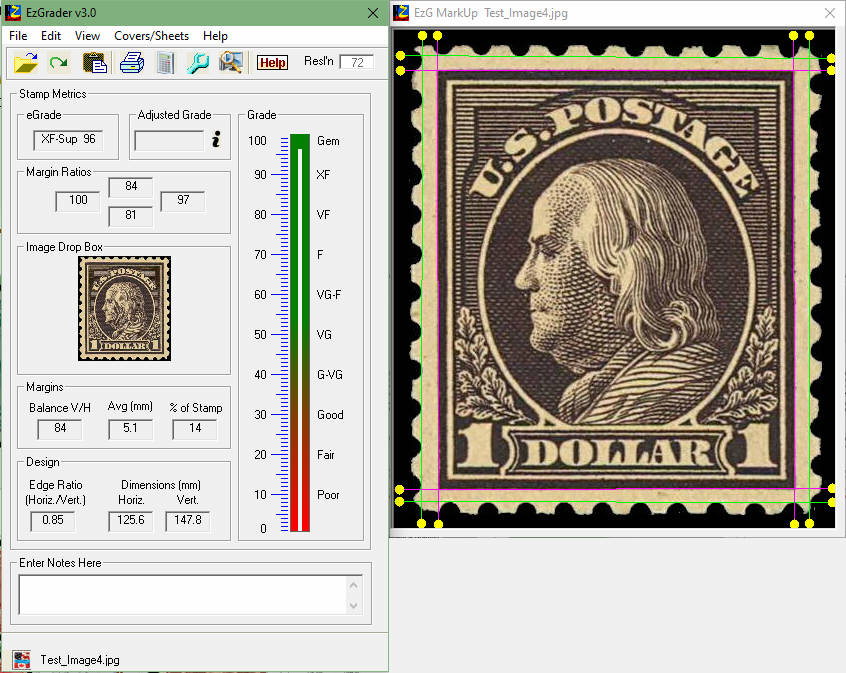
-
- EzGrader Certificate6
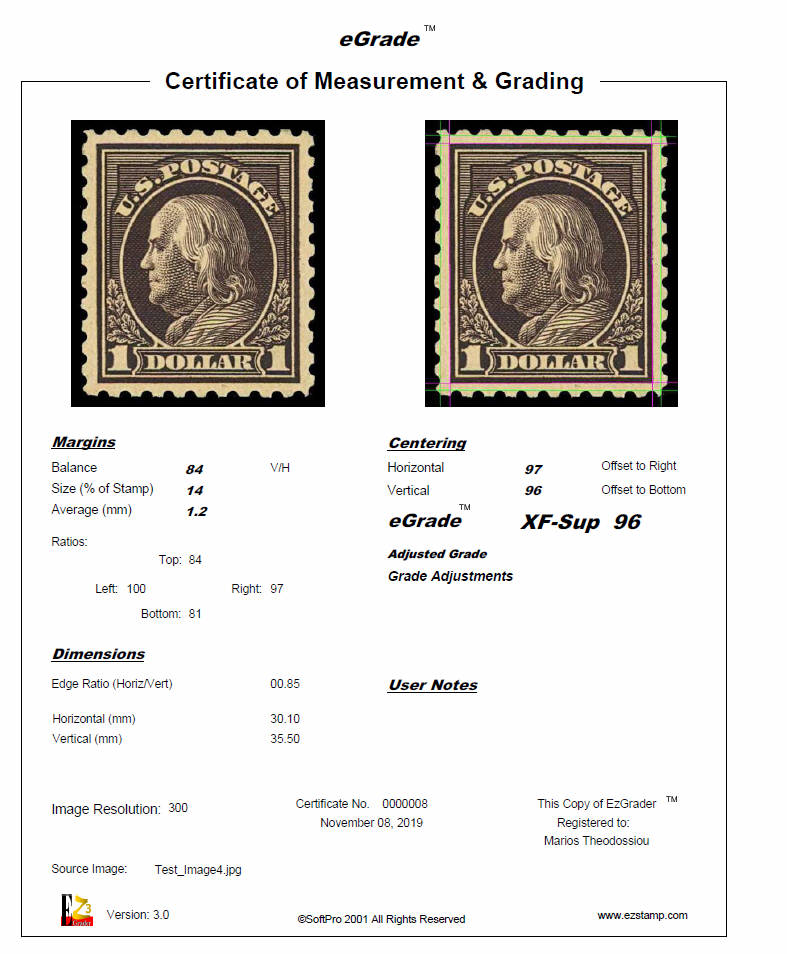
-
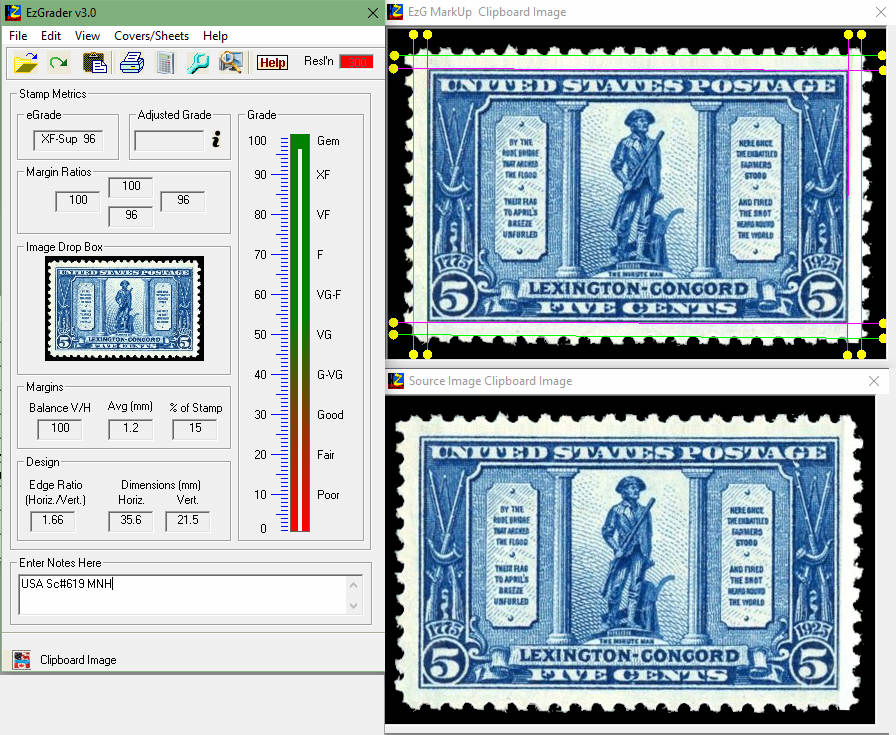
- EzGrader Main Screen4
-
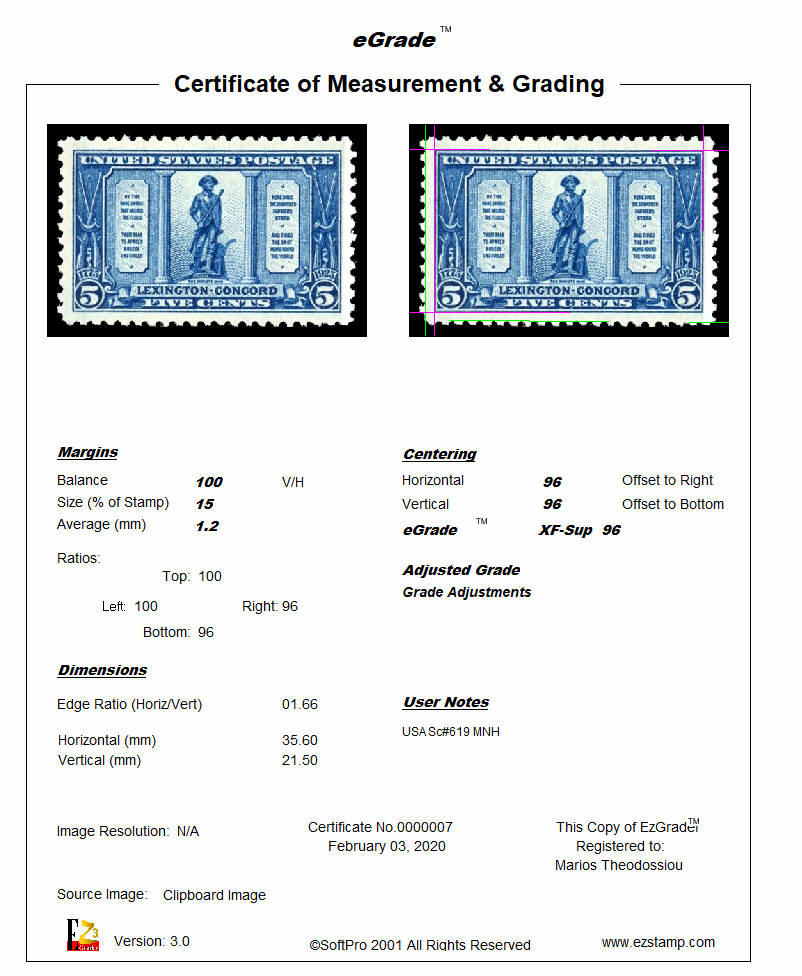
- EzGrader Certificate4
-
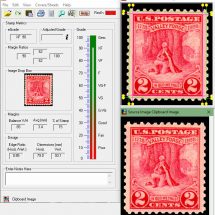
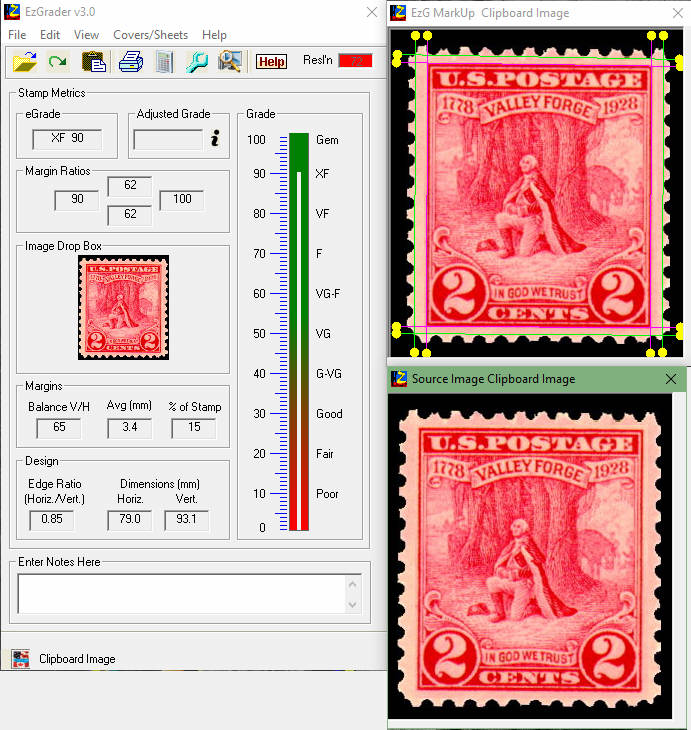
- EzGrader Main Screen2
-
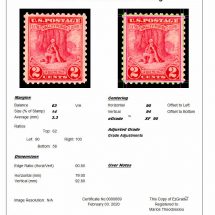
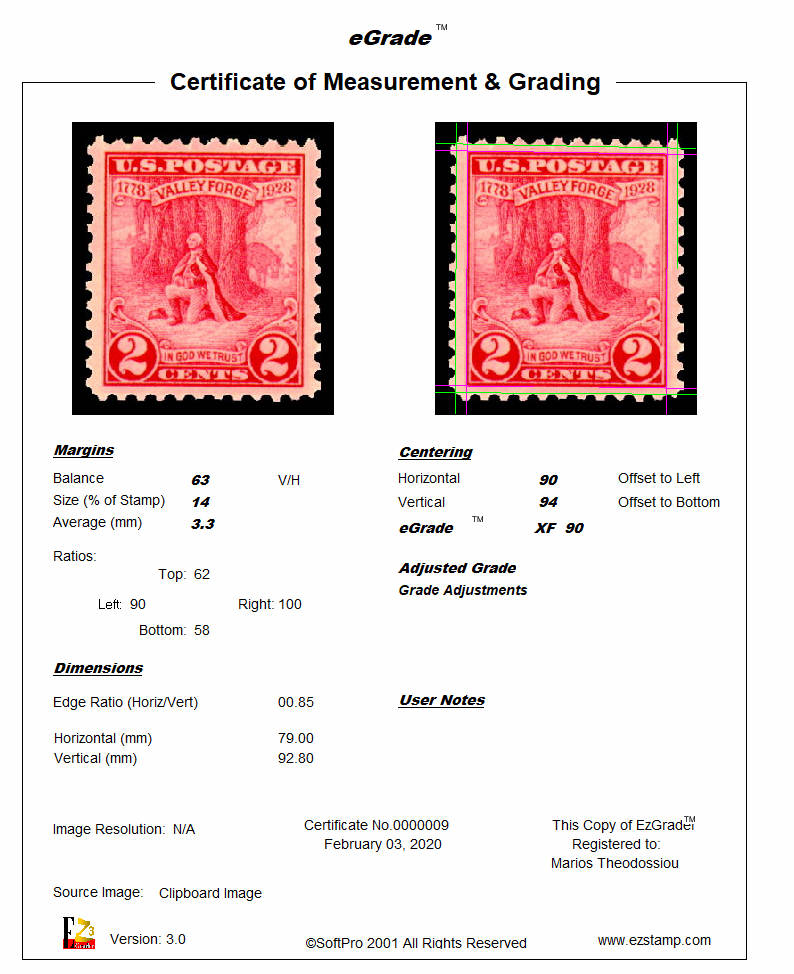
- EzGrader Certificate2
-
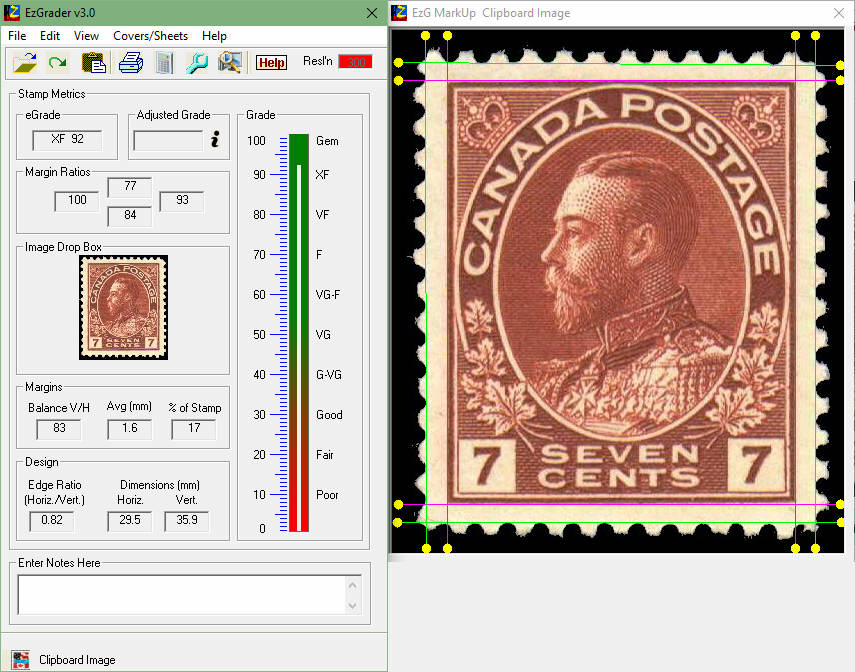
- EzGrader Main Screen3
-
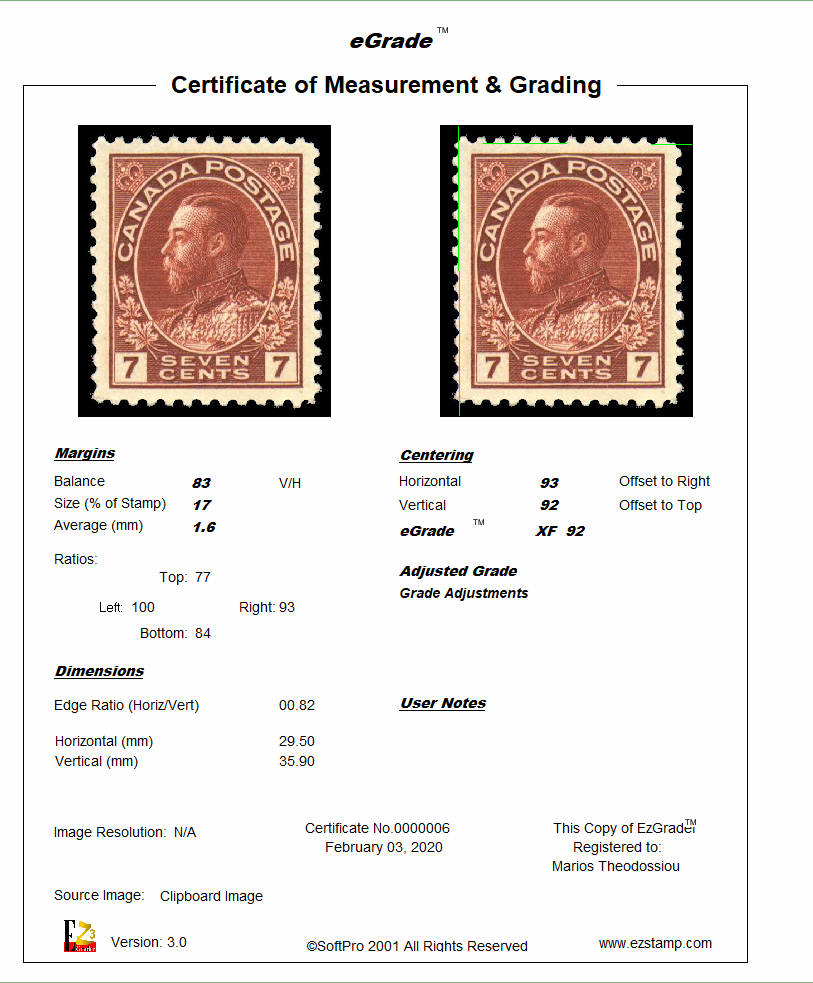
- EzGrader Certificate3
-
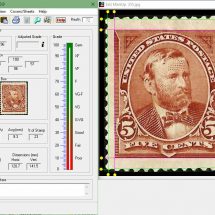
- EzGrader Main Screen5
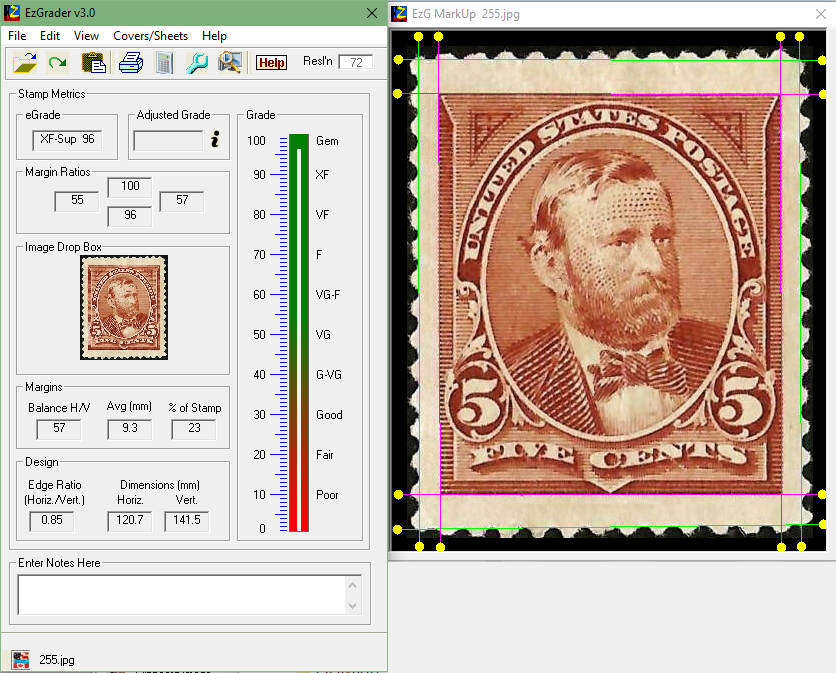
-
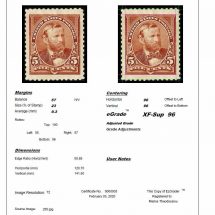
- EzGrader Certificate5
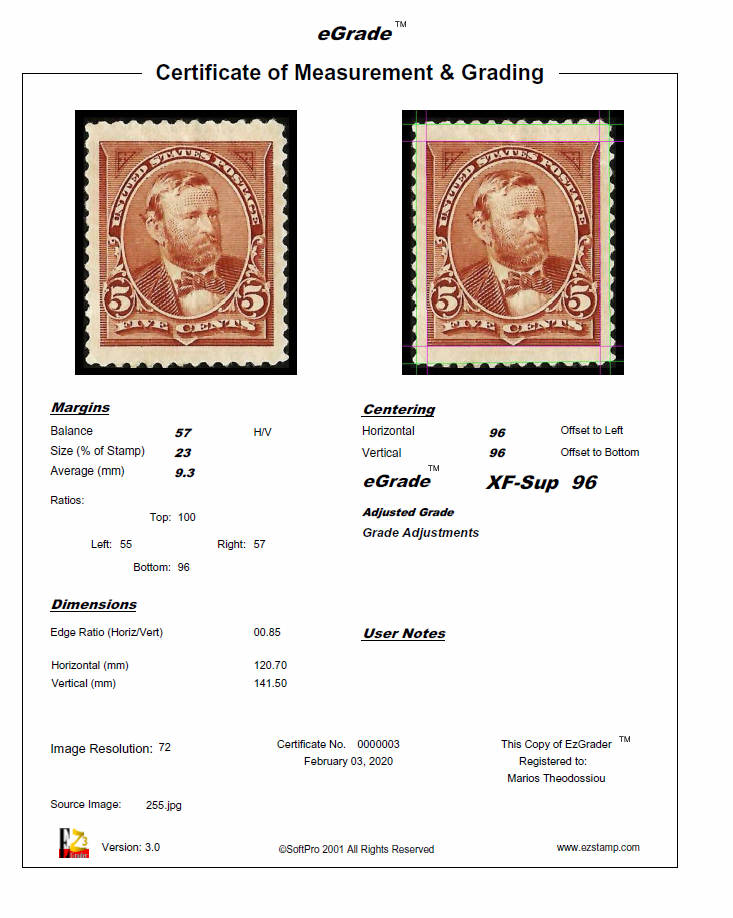
-
- EzGrader Main Screen7
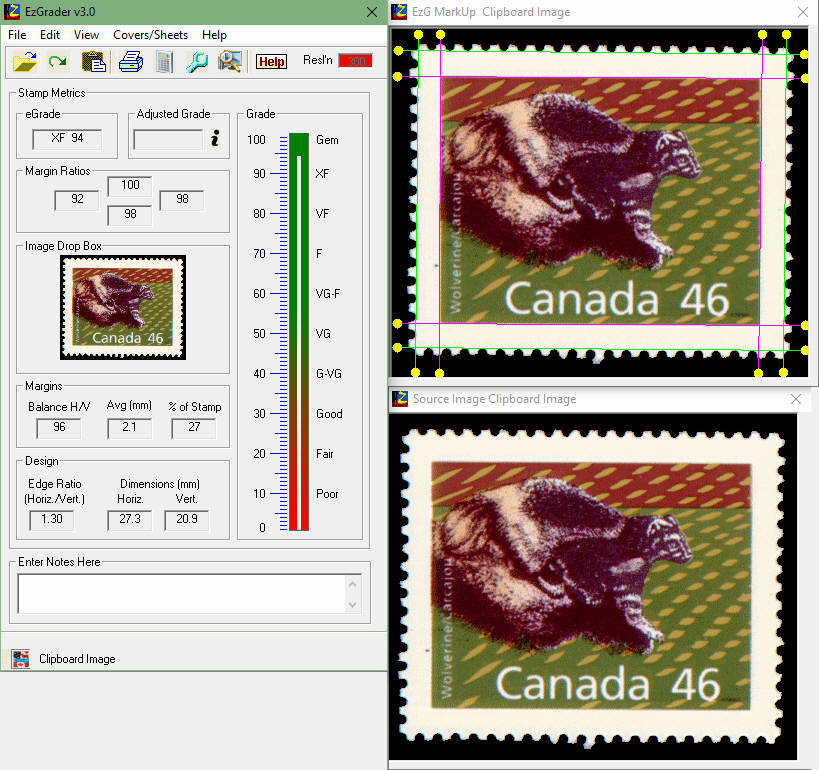
-
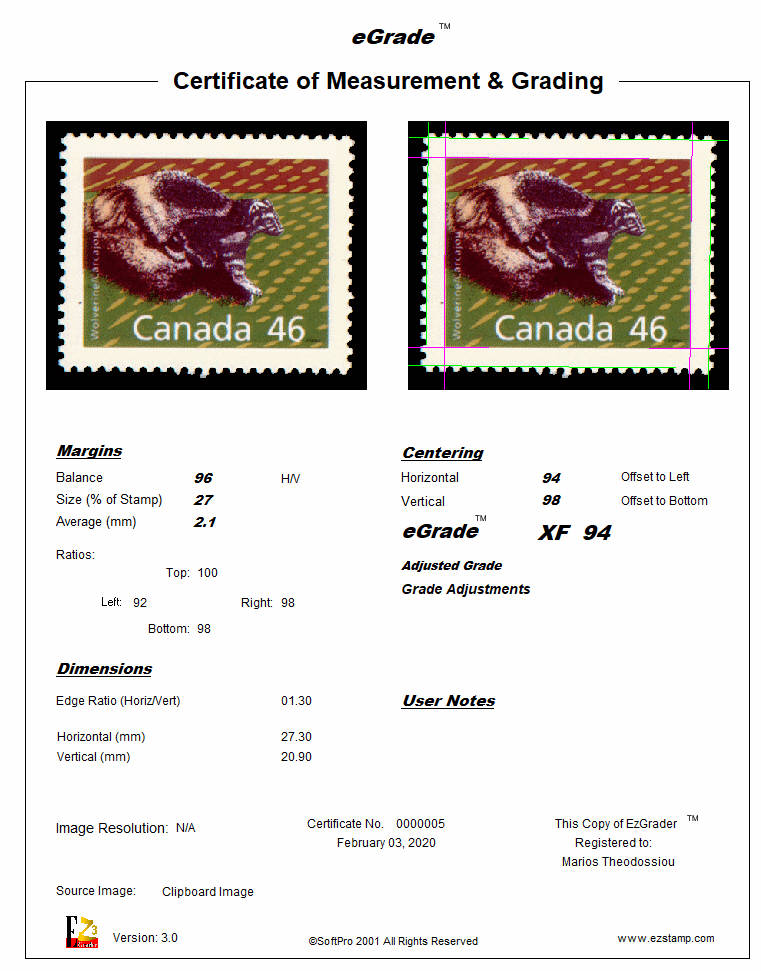
- EzGrader Certificate7
Features
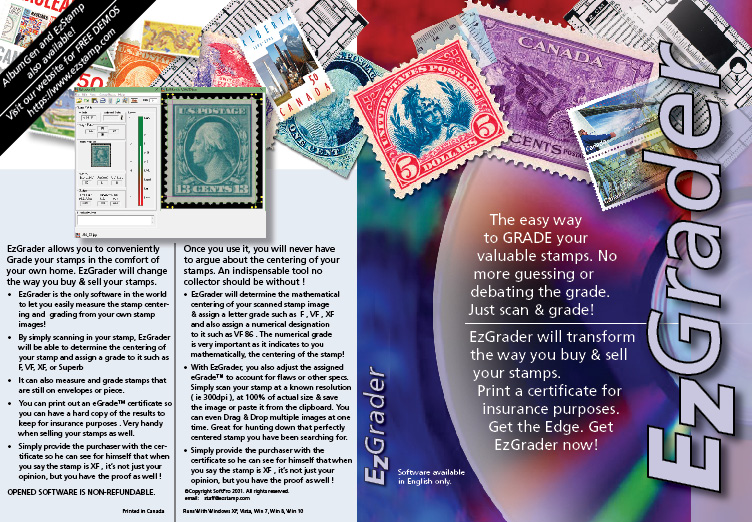
- EzGrader is powerful & easy to use. By simply scanning in your stamp against a black background, EzGrader will be able to determine the centering of your stamp and assign a grade to it such as F, VF, XF .. AND it can also print a Certificate of Centering/eGrade™ of your stamp!
- Get a competitive edge when bidding for stamps by knowing the true grade of the stamp!
- EzGrader will help you analyse your stamps in many ways. Find those stamps with huge margins.
- You can even Drag & Drop multiple images at one time. Great for hunting down that perfectly centered stamp you have been searching for.
- EzGrader is such a useful tool, it can pay for itself the first time you use it ! Click Here to See How!
- EzGrader Uses: What Can I do with it?
- EzGrader is used by the Philatelic Foundation as well as many Stamp Experts & Philatelic organizations.
- Get your copy for just $79.99 US
Screenshots
-
- EzGrader Main Screen
-
- EzGrader Certificate
-
- EzGrader Main Screen6
-
- EzGrader Certificate6
-
- EzGrader Main Screen4
-
- EzGrader Certificate4
-
- EzGrader Main Screen2
-
- EzGrader Certificate2
-
- EzGrader Main Screen3
-
- EzGrader Certificate3
-
- EzGrader Main Screen5
-
- EzGrader Certificate5
-
- EzGrader Main Screen7
-
- EzGrader Certificate7
Testimonials What are people saying about EzGrader?
I really love EZGrader. I purchase quite a few stamps on eBay and I continually get annoyed at sellers grading their stamps 2 or 3 grades higher then they really are.
Ken D., London, UK
Sometimes it is too hard to tell, but with this software at least I have the math to back up my purchases.
Normally i do not comment on any product, but i must say that this software by far is the best investment i have ever made. Thanks for this great product.
Michele L., Toronto, Canada
Charles Turner, N.C., USA
I’ve been using EZStamp & EzGrader for many years. I finally accumulated enough stamps to send to PSE to make it worthwhile. With the help of EzGrader to give a baseline grade, out of 50 items sent, only 1 was a grade 80. All the rest were 85/90/95/98 and one Gem 100. The software paid for itself many times over with the added value of graded certificates!
I just want to say how pleased I am with all your products! They are just “Top Shelf” in every respect! More importantly, I want to compliment the service you give to us! You are the best in the industry…actually you stand alone!
Thank you so much!
Fr. MCKENZIE, USA
I have used this product so many times and have found it so indispensible in my stamp collecting hobby. I really love this program. The product is so good. Yours truly, Tony Krusz
Tony Krusz, USA
Support
Search articles
Support videos
Download EzGrader
Demo Version |
|---|
| Full use for 30 days or 50 uses |
| View certificates for 50 stamps (cert text will state Unregistered) |
| User-friendly & efficient interface |
| Tech support during the 30 day trial |
| Download EzGrader Demo |
Full Version |
|---|
| Unlimited use of all features |
| View & Print certificates for Unlimited # of stamps, no Nag text |
| User-friendly & efficient interface |
| Unlimited Tech support for registered users |
| Buy EzGrader Now |